Logo history
My logo has suffered a lot of changes over the years, times change, skills improve, tools evolve. I too have changed, and the D3 logo (my logo) is the best way to reflect them.
My logo grew the same way I did!
Version 1.0
Everything started with the idea to create a new visual appearance for myself, since the beginning, I wanted my logo to convey 2 key aspects: resemble a "D" in shape and have the idea of "3" of some sort.
Due to my lack of experience at the time, I started designing my logo on Adobe Photoshop. I started with simple circles here and there with random colors, started composing and arranging them and eventually got the following result:
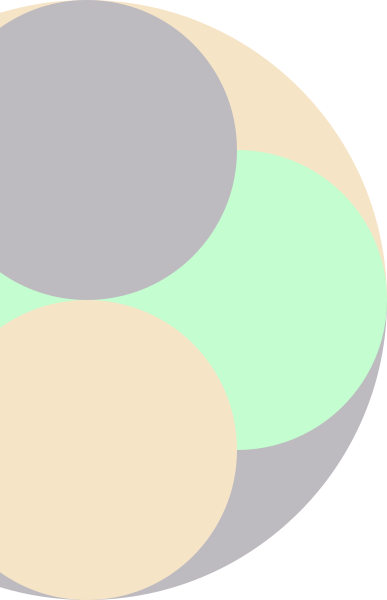
v1 Prototype
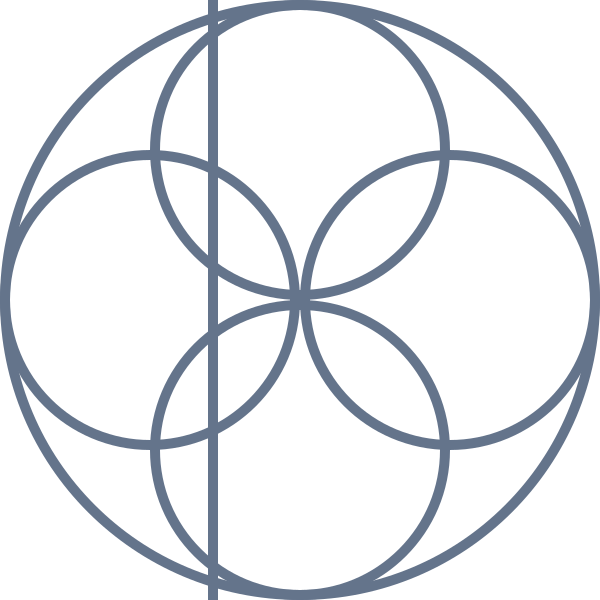
Wireframe
I was very happy with the general shape that I created, so now what was left was to choose the colors. I tried generating many color palettes and at the end, I settled on the following:
Blue
#0005ed
Tomato
#ff4f2c
Emerald
#00d89a
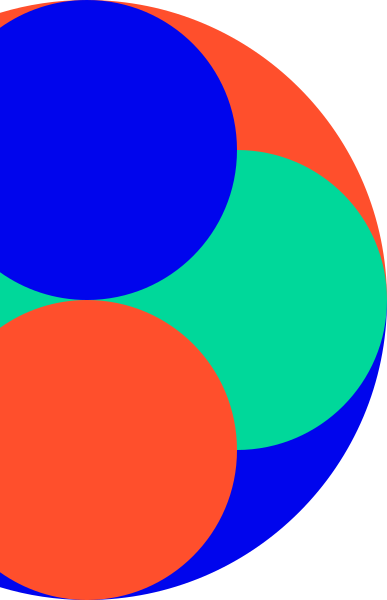
Logo v1
Released on 3 Sep 2019 at 18:53
Version 1.1
This version came to fix one of the main issues with the first version, the flat look of the colors.
In response to that, version 1.1 was an attempt to make the colors more vivid by using gradients instead of solid colors:
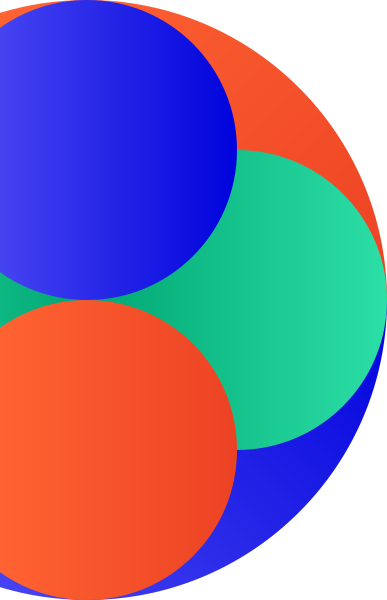
Logo v1.1
Released on 20 Apr 2020 at 13:29
Version 2.0
Over time, my designing skills have evolved and I started learning vector design with Adobe Illustrator. With that, I felt the need to update my logo and work on something from scratch.
I wanted the new logo to be more warm and easier on the eyes, so I decided that the new color scheme would be composed of warm colors along with small highlights and shadows.
I learned that, many logos nowadays, use something called "golden ratio" (that is based on the fibonacci sequence) and I wanted mine to follow the same philosophy. First, I created a base circle and then I generated smaller ones by dividing the circle size by the fibonacci ratio, creating a group of "golden circles".
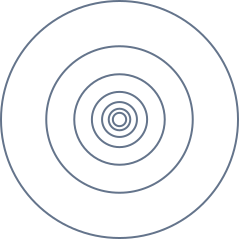
Golden Circles
I started prototyping my new logo with all those ideas in mind and the result was... awful to say the least.
The logo ended up being too complex and busy, the highlights and shadows didn't help the look either and the position of the circles seemed odd and unatural. The temporary colors used in this prototype were based on Ubuntu OS.
With the first prototype being scrapped, I started fresh again with a blank canvas. This time I began by outlining the D shape, and then adding the circles on top. I played around with them a bit to see how they would look the best and ended up with the result shown as prototype 2.
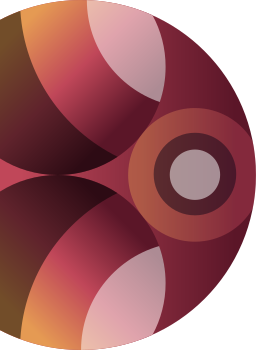
v2 Prototype 1
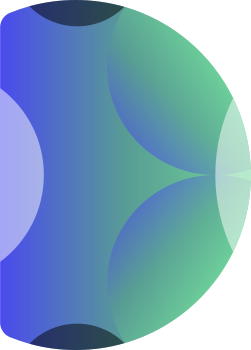
v2 Prototype 2
I really liked the outcome of the second prototype and decided to go with it to design the final version. The colors were the thing that was still missing, which meant I had to go and try new color combos.
This time, the color scheme inspiration came from the Firefox Quantum logo, which features some vibrant warm colors.
The final version can be seen below:
Mustard
#ffe045
Princeton
#ff9525
Tomato
#ff4535
Crayola
#ee1f4a
Magenta
#c7126f

Logo v2
Released on 7 Sep 2020
Version 2.1
This version came to be in order to update the colors used on the logo. Due to the lack of understanding at the time, version 2, while designed with vibrant colors, the saturation of them was lost when exported to an SVG or PNG. While I noticed the problem not long after its release, it didn't justify at the time to fix it and release a new version.
But you may ask "What was the problem?", well the problem was because of something called "Color Profiles". I won't go in much detail about it but you can do a quick search and you will find info about it immediately.
Basically, version 2 was designed with colors that are inside the sRGB color space, that is the standard color space used in many images and supported by most displays. But newer displays support a wider range of colors that are outside the sRGB bubble, namely the Display P3 color space.
Version 2.1 started being designed around Tailwind CSS v4 release, and that was the inspiration for the update. One of the highlights of Tailwind CSS v4 was the switch from RGB to OKLCH, which made the colors on websites look a lot more vibrant and vivid, and I wanted my logo to also be as vivid.
By switching the color space on Adobe Illustrator do Display P3, the overall color of the logo was changed noticeably, but I wanted to tweak it further. I went to the OKLCH Color Picker, imported each color one by one and tweaked them so they become "OKLCH exclusive colors".
Below is a comparison of the old v2 colors and the new v2.1 colors:
sRGB
Display P3
With the new colors, this was the final result of version 2.1:

Logo v2.1
Released on 18 Feb 2025